Simple Voice Chat on a Minecraft SMP Server
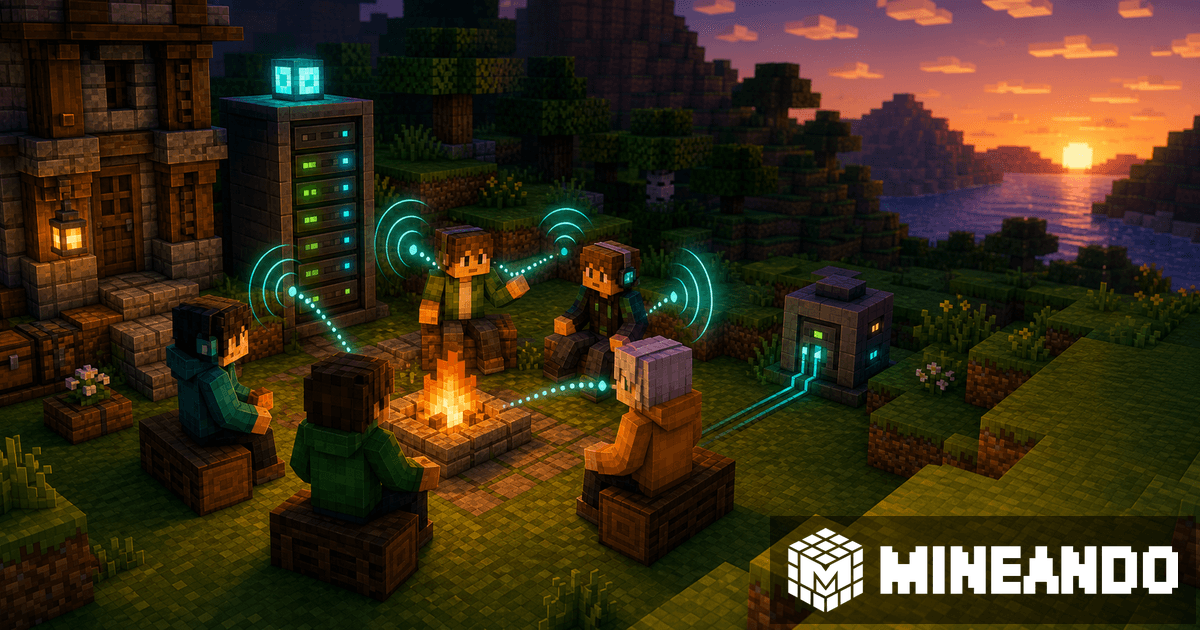
Simple Voice Chat can change the feel of an SMP: livelier bases, exploration with nearby voices, and events that feel less like a separate call. But it is not enough to drop in one file and assume everyone will hear each other.
The key detail: players need the client mod, and the server needs a UDP voice port.
What each side installs
On Paper, Spigot, or Bukkit, the server uses the Simple Voice Chat plugin in the plugins folder. On Fabric, Forge, NeoForge, or Quilt, the server uses the matching mod version.
Players also need the mod installed in their client. Without it, they can still join the Minecraft server, but they will not have integrated voice chat.
The voice port
Simple Voice Chat uses a UDP port, defaulting to 24454. This can be changed in the config. If the port is closed or points to the wrong place, the Minecraft server can work while voice chat fails.
Test with one person before an event. Join, speak, check distance, push-to-talk, and whether voice cuts out.
Common mistakes
The usual issues are:
- opening TCP but not UDP;
- installing the server plugin but forgetting the client mod;
- using incompatible versions;
- changing the config port but not the hosting panel;
- testing Minecraft login but not voice.
Do not present voice chat as perfect security. The project notes encryption, but also warns not to guarantee its security. Treat it as a convenience and atmosphere feature, not a confidential channel.
When it is worth it
It fits SMPs, roleplay, small events, and survival exploration. If you are preparing an SMP, pair it with the Paper plugins for survival SMPs.
On Mineando
On Mineando, the practical step is checking port and version before inviting everyone. Run a short test, tell friends exactly which mod to install, and keep an external voice channel available in case someone needs help.