Tutorial
Step-by-step guides for creating, configuring, and maintaining Minecraft servers on Mineando, from basic setup to plugins, maps, and crossplay.
Commissioning a Minecraft Plugin: Acceptance Criteria
Turn a plugin idea into a verifiable delivery: compatibility, permissions, stored data, failure behaviour and an event registration example.
How to Rehearse a Minecraft Server Backup Restore
Test a complete recovery in isolation: worlds, databases, permissions and timings, with clear acceptance checks before reopening.
How to Install Plugins on a Paper Minecraft Server
Learn how to install plugins on a Paper Minecraft server, verify that they loaded, and fix version, dependency, and permission errors.
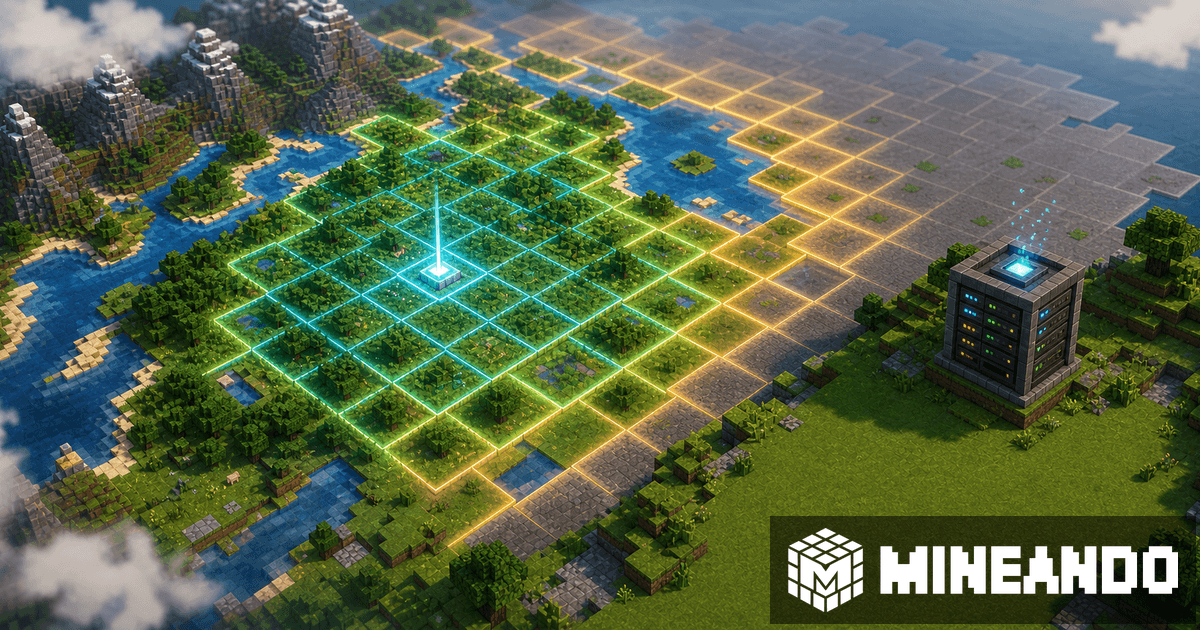
Chunky for Minecraft: Pre-Generate Chunks to Reduce Lag
Chunky can reduce exploration stutter by generating chunks before players arrive. Here is how to use it carefully.
CoreProtect for Minecraft: Safe Rollback After Griefing
A practical CoreProtect guide for checking broken blocks, previewing rollback, and recovering from griefing without damaging more.
Minecraft Server Backups Before Mods, Plugins, or Launch
A practical backup checklist before updating mods, installing plugins, migrating a world, or inviting players to a Minecraft server.
Minecraft Whitelist and Permissions Before Inviting Friends
Prepare whitelist, roles, and permissions before inviting friends to your Minecraft server without making everyone an operator.
Minecraft Event Server Guide for Creators and Communities
Plan a Minecraft server for events, tournaments, streams, or communities: player peaks, spawn, rules, plugins, performance, backups, and support.
Minecraft Server Checklist Before Inviting Friends
Check the world, permissions, performance, connection details, backups, and rules before sharing your Minecraft server IP with friends.
GeyserMC Port Guide: Java Address, Bedrock Port, and Fixes
Understand which port GeyserMC uses, why Bedrock needs its own entry point, and how to avoid common address and firewall mistakes.
Can Bedrock Join a Java Server? Clear Guide for Players
Learn when Minecraft Bedrock can join a Java server, what the server needs, and which connection details each player should use.
server.properties in Minecraft: Key Settings for Your Server
Learn which server.properties options to review before opening a Minecraft server: game mode, difficulty, whitelist, view distance, and more.
LuckPerms for Minecraft: Basic Permissions Guide
Learn how to use LuckPerms to create groups, assign permissions, and avoid common admin mistakes on a Minecraft server.
Floodgate Plugin vs GeyserMC: What Each Does
Floodgate and GeyserMC solve different parts of Minecraft crossplay. Learn what each one does, when you need both, and how they fit together.
Bedrock Can’t Join a Java Server: GeyserMC Troubleshooting
Fix common GeyserMC connection problems when Bedrock players cannot join a Java Minecraft server: ports, versions, Floodgate, console, and plugins.
How to Move an Aternos World to Mineando Without Losing Progress
Download your Aternos world, check the important files, and upload it to Mineando without losing builds, inventories, or server progress.
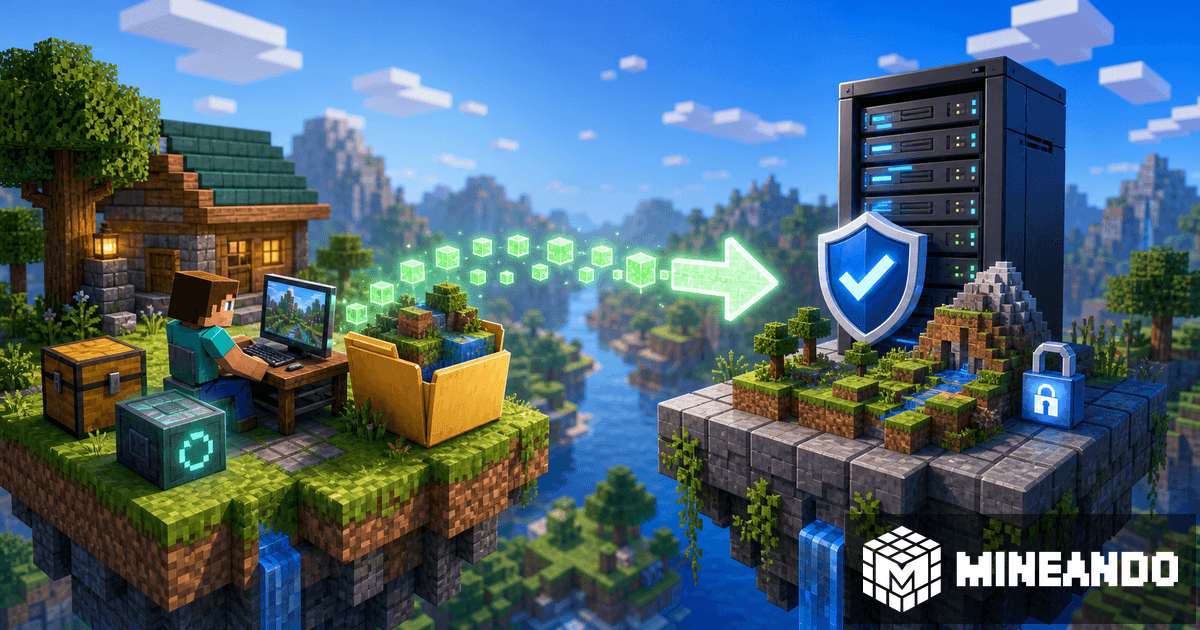
How to Download Your Minecraft World and Upload It to a Server Safely
If you have a world in singleplayer, Aternos, or another host, you can save it and upload it to a new server. This guide explains how to do it safely and what to check before inviting friends.

Minecraft Sponsorship: How to Get Support for Your Server or Community
If you are looking for a Minecraft sponsor, you need more than asking for a free server. Learn what brands look for, how to prepare your pitch, and how to make your community sponsorship-ready.

Failed to Verify Username in Minecraft: How to Fix It Without Exposing Your Server
The Failed to verify username error usually comes from account authentication or online mode. This guide explains how to fix it and how to avoid turning offline mode into a server security problem.
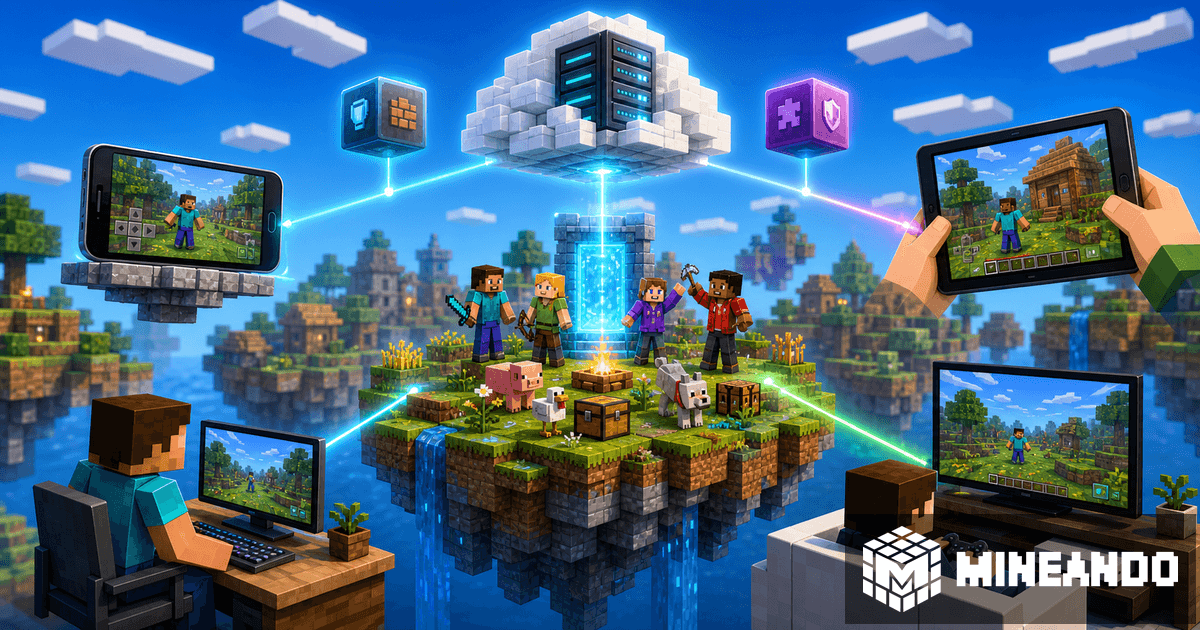
Can Minecraft Java and Bedrock Play Together? Complete Crossplay Guide
Java and Bedrock do not connect to each other natively, but with GeyserMC you can run one server where PC, mobile, and console friends play together. This guide explains when it works, what you need, and how to do it on Mineando.
Tell us what you’re building.
Paid projects, with a scope and quote agreed before we start.