How to organize a Minecraft UHC or PVP tournament
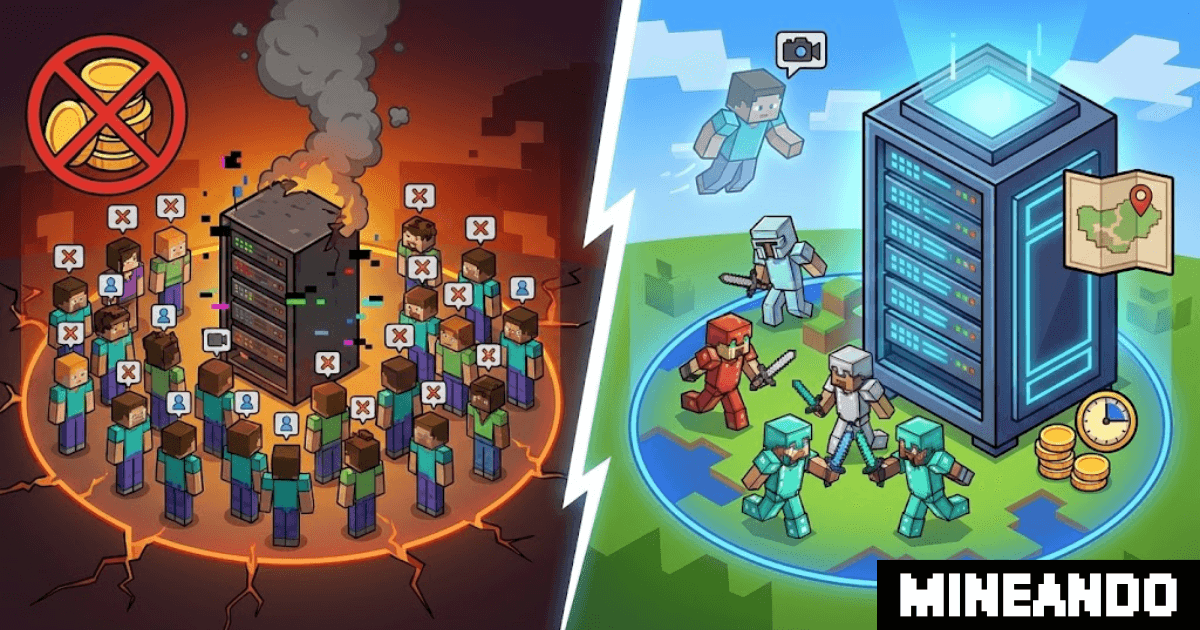
A Minecraft tournament needs a tested match setup, clear rules and someone who can stop proceedings when something breaks. For a first event, use one arena or one UHC scenario and rehearse the entire round before inviting the audience.
This guide uses a planning example of 20 players in ten teams of two. It is not a server capacity recommendation. Hardware and software requirements depend on the map, plugins and what players do during the match.
Write the rules before configuring the server
Choose your edition and supported client version first. Then record team size, victory conditions, match duration, allowed modifications and spectator access. For UHC, decide regeneration rules, grace period, dimension access and the world border schedule. For an arena tournament, define the bracket, tie-breaks and equipment.
Set the disconnect policy before anyone loses a fight. For example, allow a short reconnection window before the round starts, but have a referee decide interruptions during combat under a published rule. Avoid inventing exceptions for individual players mid-match.
Assign a referee to rulings and a technical operator to server changes. In a small event one person can cover both, but name a backup and keep an incident channel separate from player chat.
Build one repeatable round
Select a maintained event plugin or map that supports the exact server version. Test its actual commands for team assignment, countdown, elimination, spectator mode and reset. Plugin names alone are not a working configuration.
Restrict access during preparation. Give participants only the permissions they need, and use a normal player account to check them. Test whether eliminated players can interact with the arena or reveal information to active teams.
Prepare the intended playing area before the event. A world pregenerator such as Chunky can move terrain-generation work into preparation time. That does not remove the load from combat, entities or plugins. Follow Chunky's documentation for your installed version and leave enough time and disk space for the job.
Rehearse joins, combat and recovery
Use as many representative participants as you can arrange. A test with two friends does not establish that 20 concurrent players will run well. Include a simultaneous join, players spreading out, a busy fight, spectator access and a disconnect.
Watch server timing, memory, console errors and the players' experience. Record the tested player count and configuration. If the match is not playable, fix the cause and repeat the relevant test before accepting more entrants.
With the server stopped, keep a clean pre-match backup, including the event configuration and any external plugin data needed to reset it. Restore it on a test instance. Confirm that inventories, teams and scores return to the intended starting state.
Use a short event-day runbook
| When | Action |
|---|---|
| Previous day | Complete the rehearsal, verify a restore and freeze configuration changes. |
| 60 minutes before | Start the server, check access and confirm the clean match state. |
| 30 minutes before | Check in teams and explain the disconnect and restart rules. |
| Start | Referee confirms readiness; operator runs the tested start sequence. |
| After the final | Record results, export the agreed files and stop or release unused resources. |
Agree stop conditions in advance. Missing world data, broken team assignment or persistent unplayable lag are reasons to pause the start. The referee communicates the decision while the operator investigates. If restoring a backup discards match progress, announce that before resuming.
Budget for the work around the match
Include setup, rehearsal, live operation, backup storage and cleanup. Paid plugins or bespoke development may be separate costs. Our hourly hosting cost guide explains how to compare billable time without assuming the match is the only charge.
Mineando's former self-service platform has closed. For help preparing and operating an event, see Mineando's event services. Share the date, player count, edition, format and staffing needs so the scope can be agreed before quoting.