Minecraft Event Server Guide for Creators and Communities
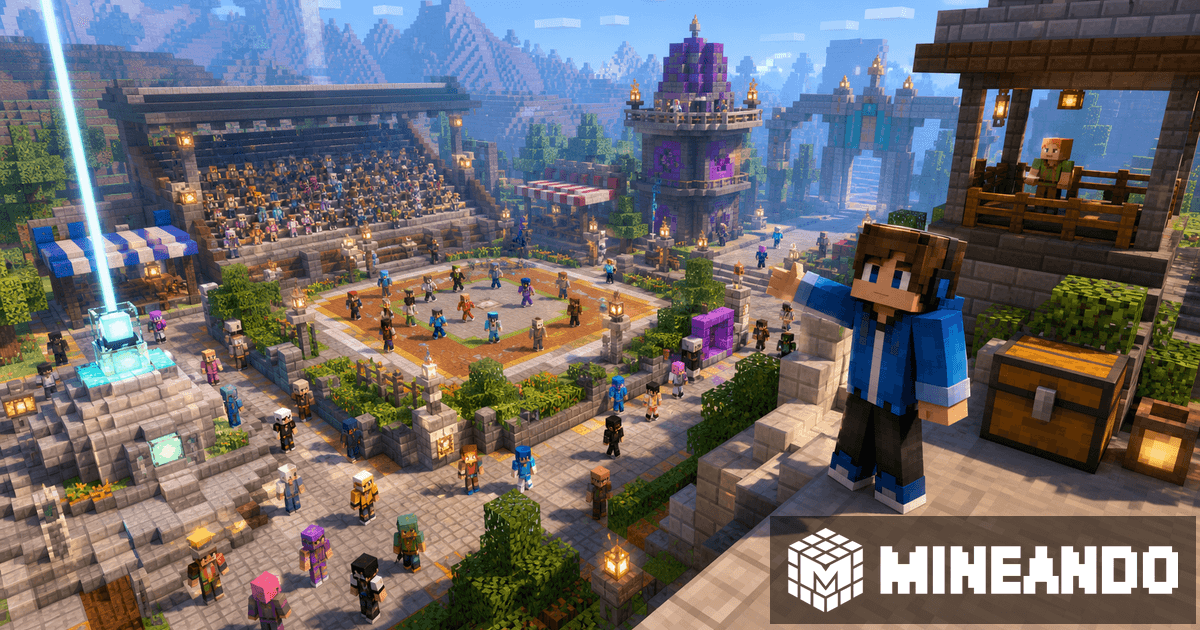
A Minecraft event is not prepared like a private survival world. When viewers, community members, or new participants join, the server has to handle spikes, explain rules quickly, and give moderators a way to recover control if something goes wrong.
Use this guide for tournaments, Discord events, streams, SMP launches, or special community days.
Plan for the peak, not the average
Average players can be misleading. An event may have ten people during the week and forty in the first fifteen minutes. Plan for the expected peak, leave margin, and test with several accounts before the big day.
Also decide whether the server must stay online all day or only during the event. For one-off events, hourly hosting may fit better than keeping a monthly server online when nobody needs it.
Prepare spawn, rules, and access
The first thirty seconds matter. Build a clear spawn, use signs or NPCs if they fit, and make the route to the activity obvious. Publish simple rules: what is allowed, how someone wins, what happens after a disconnect, and where players ask for help.
Use a whitelist, invites, or roles if the event should not be public. The more public the event is, the more important it is to separate participants, moderators, and admins.
Reduce lag before the event starts
Do not wait for the livestream to discover that the map generates new chunks. Prepare the area, keep distances reasonable, review entities, and avoid unnecessary plugins. If you use Paper, install only what helps the event: permissions, protection, rollback, moderation, and maybe quality-of-life tools.
To size the server, combine player count, plugins, and event length with the RAM and real cost guide.
Have an emergency plan
Make a backup before the event. Keep a clean copy of the world, prepare basic moderator commands, and decide who can restart the server if needed. A Discord channel for fast announcements also helps.
If the event is part of a collaboration, prepare simple metrics: date, estimated attendance, duration, format, and what the community receives. That also helps if you are looking for support; read our guide to Minecraft server sponsorship.
On Mineando
On Mineando, you can create a powerful server for the event, use it for the hours you need, and stop it afterward. For creators and communities, that flexibility is the point: pay for the important moment, keep control of the world, and avoid a fixed cost after the event ends.