Can Java and Bedrock Play Together on Realms? Clear Answer and Better Alternative
Can Java and Bedrock Play Together on Realms? Clear Answer and Better Alternative
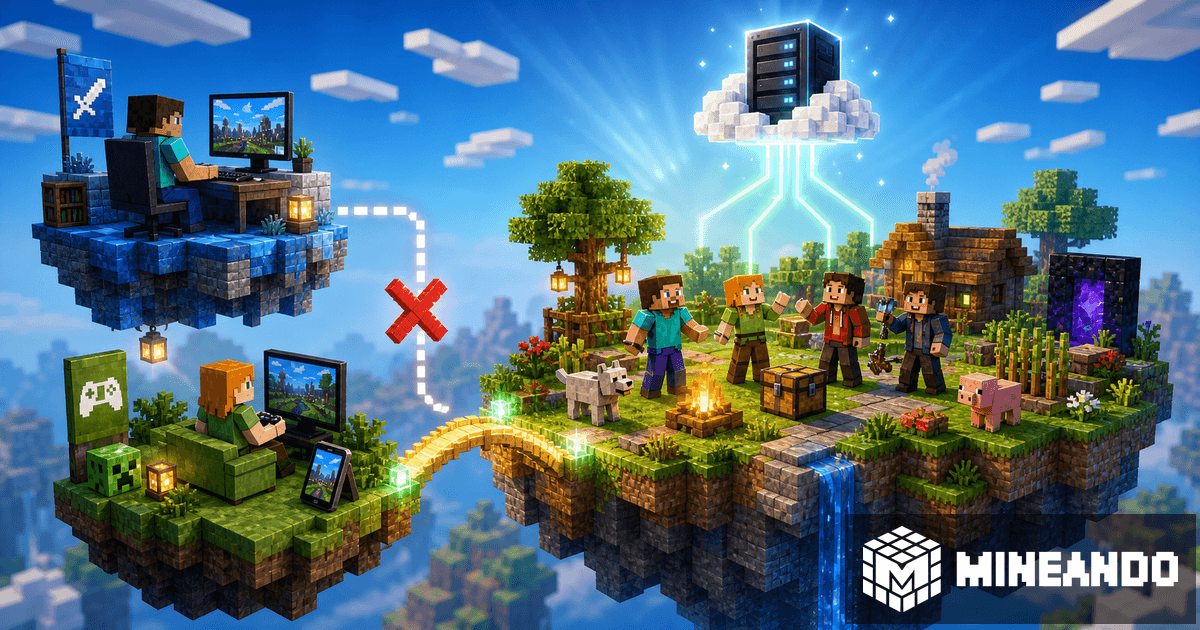
Short answer: Minecraft Java and Minecraft Bedrock do not share the same type of Realm. Realms can be convenient, but it is not a universal solution for mixing Java, mobile, console, and Windows Bedrock in every situation.
If your question is “I have Java and my friend has Bedrock, can we join the same Realm?”, the practical answer is usually no. Java Realms are built for Java Edition. Bedrock Realms are built for Bedrock Edition.
Why this is so confusing
Minecraft uses the same names for several different experiences. There is Minecraft Java Edition on PC. There is Minecraft Bedrock on mobile, console, and Windows. And there is Realms, the official service for private worlds.
The problem is that Realms does not remove every difference between editions. A Java Realm does not automatically become a Bedrock server. A Bedrock Realm does not accept Java players as if nothing changed.
So how do Java and Bedrock players play together?
To mix both editions, you need a crossplay setup. The most common route is to run a Java server with Paper and use GeyserMC so Bedrock players can join that Java server.
In that setup:
- Java players join like any other Java server.
- Bedrock players join using the Bedrock address and port.
- GeyserMC translates the connection so everyone shares one world.
- Floodgate can make the Bedrock login experience easier.
This does not turn Realms into full crossplay. It is an alternative to Realms for groups that need more freedom.
Realms vs a GeyserMC server
Realms wins on simplicity. You create a world, invite friends, and play. If everyone uses the same edition and you do not want technical control, it can be enough.
A GeyserMC server wins when the group wants something more serious:
- Java and Bedrock players together;
- real plugins;
- file and backup access;
- performance, gamerule, and permission control;
- paying only when the server is used;
- events, SMPs, or seasonal worlds.
For a group that plays a few days per week, paying by the hour can make more sense than keeping a world active all month.
What do you lose by not using Realms?
You lose a little initial simplicity, but you gain control. On Mineando, you do not need to port forward or leave your PC on. You create the server, choose plugin-compatible software, install GeyserMC, and share the IP with your friends.
You can also change versions, upload worlds, install maps, use permissions, and turn the server off when nobody is playing. For many groups, that trade is worth it.
Which option should your group choose?
Choose Realms if everyone plays the same edition, you want zero configuration, and you do not need plugins or advanced control.
Choose a GeyserMC server if your group mixes Java and Bedrock, wants plugins, or dislikes paying for an empty server. This option is also better if you plan to turn the world into a more complete SMP.
How to start without overcomplicating it
If the goal is Java and Bedrock together, start with a Paper server. Then install GeyserMC and Floodgate. Test with one Java player and one Bedrock player before inviting the whole group.
If you want a more detailed walkthrough, read our crossplay guide with GeyserMC. If you are comparing Realms with your own server, connect that decision to real cost: do you really need to pay for the whole month if you only play a few hours?
Conclusion
Realms is convenient, but it does not always solve the Java and Bedrock problem. If your group mixes PC, mobile, and console, the most flexible setup is a Java server with GeyserMC.
On Mineando, you can run it without port forwarding, with full control, and pay only when you play. Create your server on Mineando and stop splitting the group by platform.