GeyserMC Port Guide: Java Address, Bedrock Port, and Fixes
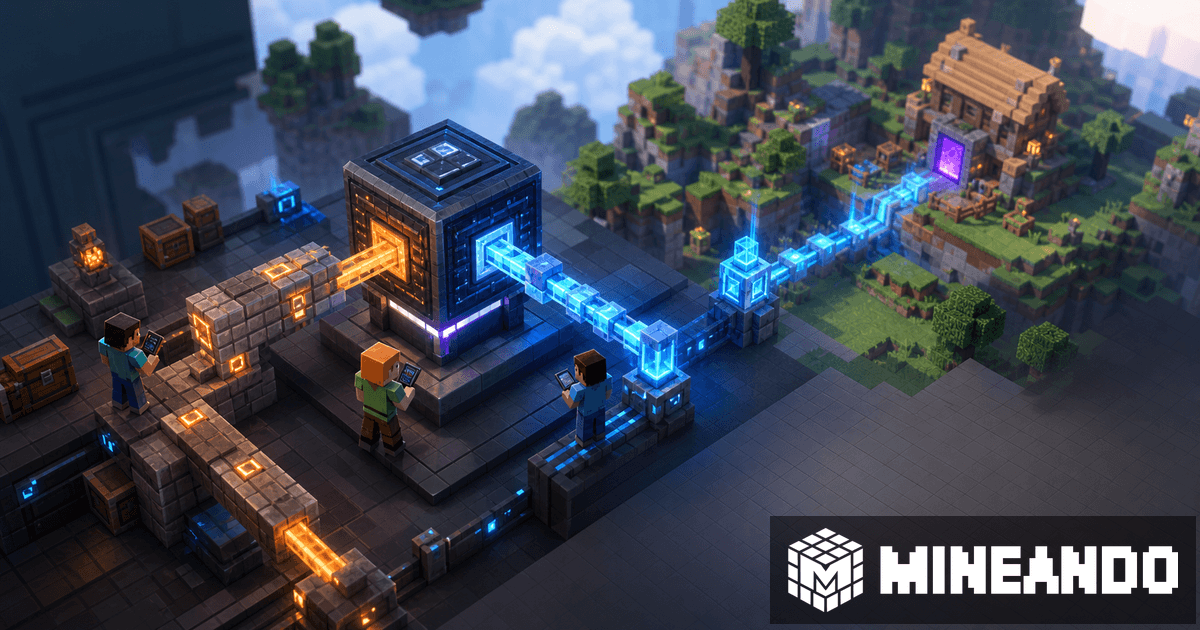
When a Java server accepts Bedrock players through GeyserMC, there are two connection paths you should not mix up: the Java entry point and the Bedrock entry point. Many crossplay issues start with the right address and the wrong port.
Java and Bedrock do not use the same path
The Java server listens on its Java port. GeyserMC listens for Bedrock connections on a Bedrock port, usually over UDP. That is why a Java friend may join without any problem while a mobile or console player sees a connection error.
The simple way to explain it is this: Java uses the Java address; Bedrock uses the Bedrock address and Bedrock port. If both happen to match, great, but do not assume they do.
What each value means
The Java address points to the main server. The Java port is used by Java players and by GeyserMC when it forwards translated traffic to the Java server.
The Bedrock address is where GeyserMC accepts Bedrock players. The Bedrock port is often 19132, but hosts may allow or require a different public port. If you change the port in your panel or config, make sure the number you share is the public Bedrock port players should type.
Common port mistakes
The first mistake is opening only TCP. Bedrock needs UDP, so your firewall or hosting panel must allow UDP traffic on the Bedrock port. The second mistake is copying the Java port into Minecraft Bedrock because it is the only number shown in Discord. The third is changing an internal port while forgetting the public port players actually see.
If Bedrock still cannot connect, check version compatibility, Floodgate, console limitations, and plugin conflicts. We keep a focused checklist for Bedrock not joining a Java server.
How to share instructions clearly
Create one pinned message with two blocks. Java: address and recommended version. Bedrock: address, Bedrock port, and any login or linking step. If you use Floodgate, say so clearly so players do not try to log in like Java accounts.
For the full stack, read the GeyserMC crossplay guide.
On Mineando
On Mineando, check the port setup before inviting the group and test with a real Bedrock account. Once it works, save the connection message and avoid changing it unless you move the server or adjust ports. A clear welcome message prevents a lot of crossplay support.