Chunky for Minecraft: Pre-Generate Chunks to Reduce Lag
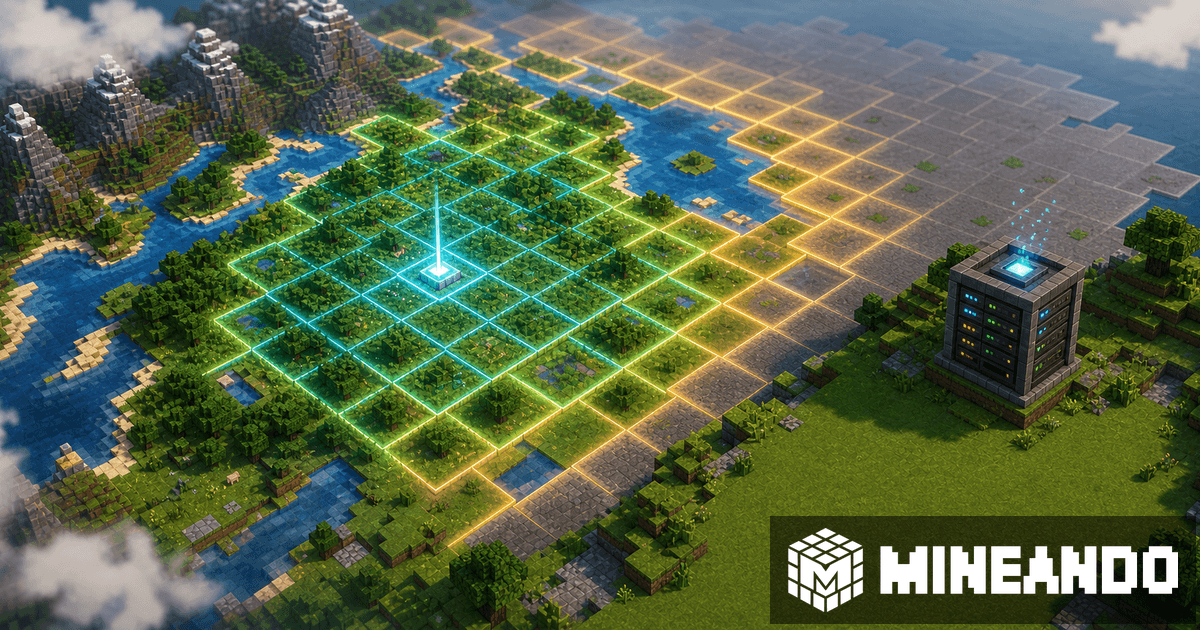
A lot of survival server lag appears when multiple players explore new terrain at the same time. The server is not only moving players; it is generating terrain, saving chunks, and loading structures. Chunky helps prepare part of the world before launch.
Pre-generation is not magic, but it reduces the first-exploration workload.
What Chunky does
Chunky generates chunks inside a selected area. You choose the world, center, radius, and shape. It shows progress and lets you pause or continue tasks.
A typical flow:
/chunky world world/chunky center 0 0/chunky radius 3000/chunky shape circle/chunky start/chunky progress
Start with a reasonable radius around spawn or the first play area. You do not need a giant pregenerated map if your group will stay near home for the first weeks.
When to use it
Chunky is useful before:
- opening a survival server with many players;
- launching an SMP with heavy exploration;
- giving players Elytras early;
- running a modpack with heavy dimensions;
- reducing first-session stutter.
If you are building a modpack server, combine this with the modpack checklist. For resource planning, read how many players a Minecraft server can handle.
What to avoid
Do not run a huge radius without checking disk space. Do not run heavy generation during an important play session if performance drops. Be careful with cleanup commands like trim; deleting chunks outside a selection can be destructive. Back up first.
On Mineando
On Mineando, you can prepare the world during a setup session and stop the server until game day. That lets you spend resources when they matter, not all month.