Bedrock Can’t Join a Java Server: GeyserMC Troubleshooting
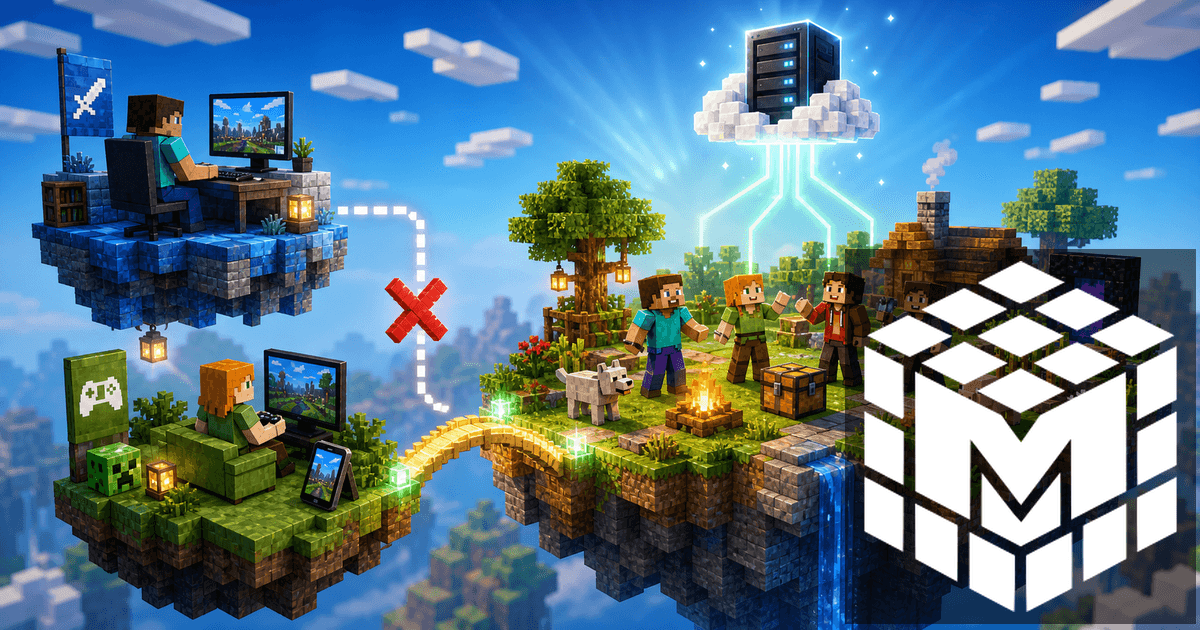
When Bedrock players cannot join a Java server through GeyserMC, the issue is usually in one of four places: version support, the Bedrock port, Geyser configuration, or the way console players connect.
Do not rebuild the whole server immediately. Work through the simple checks first, then move into plugin and platform details.
Check versions first
GeyserMC depends on compatibility between the Bedrock client version, the Java server version, and the Geyser build. After a Minecraft update, Bedrock can briefly be ahead of Geyser support.
Check that:
- the Java server starts normally;
- GeyserMC is updated;
- Floodgate matches the recommended version;
- the console does not show Geyser startup errors.
If Java players can join but Bedrock players cannot, the base server is probably fine and the bridge needs attention.
Check the Bedrock port
Java players use the normal server address. Bedrock players need the Bedrock address and the Bedrock port configured in Geyser. Bedrock also uses UDP, so copying the Java port is a common mistake.
On Mineando, you do not need to forward ports from home, but you do need to share the correct Bedrock connection details with your friends.
Floodgate and Bedrock accounts
Floodgate lets Bedrock players join without owning Java accounts. If it is missing or misconfigured, authentication can fail or names can behave strangely.
For private friend servers, GeyserMC plus Floodgate is usually the easiest setup. For public servers, test permissions, username prefixes, and impersonation protection carefully.
Consoles are different
Mobile and Windows Bedrock are usually straightforward. Switch, PlayStation, and Xbox can require extra steps because they handle external servers differently.
Before promising console crossplay, test with one real console player. If mobile works but console does not, your Geyser setup may still be correct.
Quick diagnostic checklist
- Join with Java to confirm the server is online.
- Update GeyserMC and Floodgate.
- Verify the Bedrock port.
- Test from mobile before testing console.
- Watch the server console during a Bedrock login attempt.
- Check login, permissions, and anti-bot plugins.
Conclusion
If Bedrock cannot join your Java server, check version support, the Bedrock port, GeyserMC, Floodgate, and the player platform before reinstalling anything.
For a full setup path, read our GeyserMC crossplay guide. If the problem is capacity, our Minecraft RAM guide can help you choose a better plan.